![IncQuery logo 2022 (horizontal)-1.png]](https://www.incquery.com/hs-fs/hubfs/IncQuery%20logo%202022%20(horizontal)-1.png?height=39&name=IncQuery%20logo%202022%20(horizontal)-1.png)
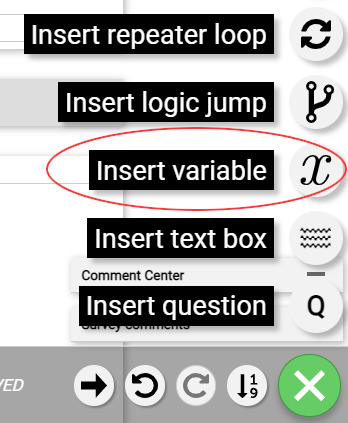 |
There is one variable element on the IQ platform, but there are four different types of variables: Option List, Text, True/False, and Alternatives.
When inserting a variable, the default name is "var_name". You can modify the variable name, but kindly note that the variable names cannot contain spaces.
You can define each variable using No logic, Simple logic, or Complex logic. These options are selected in the middle column of the element.
Here is an example of each variable:
Option List - This type is used to store information lists such as brands, suppliers, kpc, etc. We recommend putting any information lists with 5 or more entries into a variable. This will centralize the information and make it easier to update for repeated usage.
 |
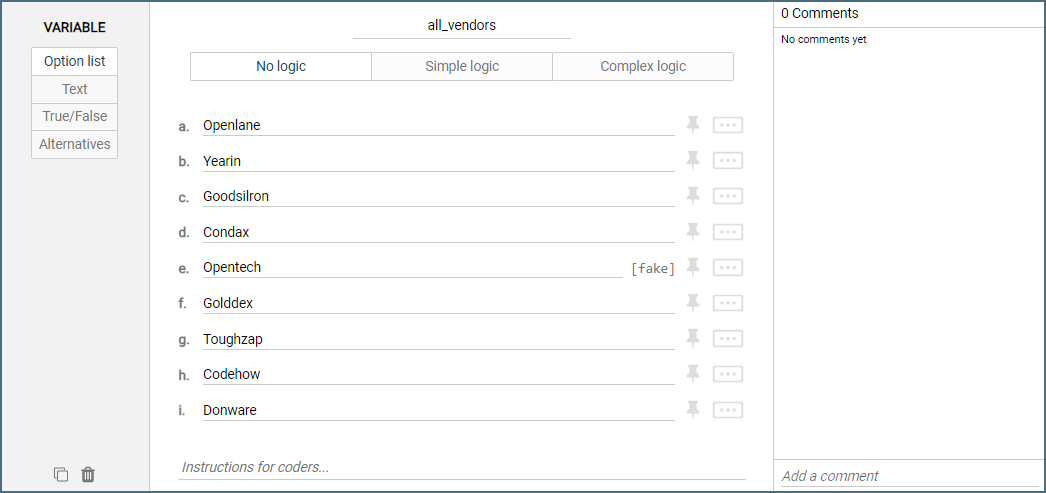
Here is a pure option list with No logic:
 |
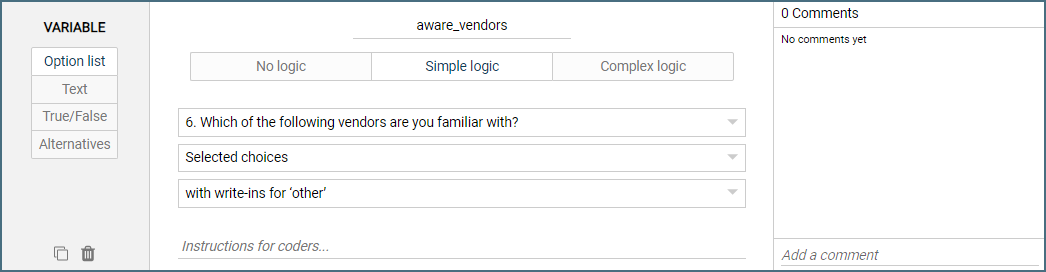
Here is a list of options using Simple logic:
 |
Text - Save text for reuse throughout your survey
 |
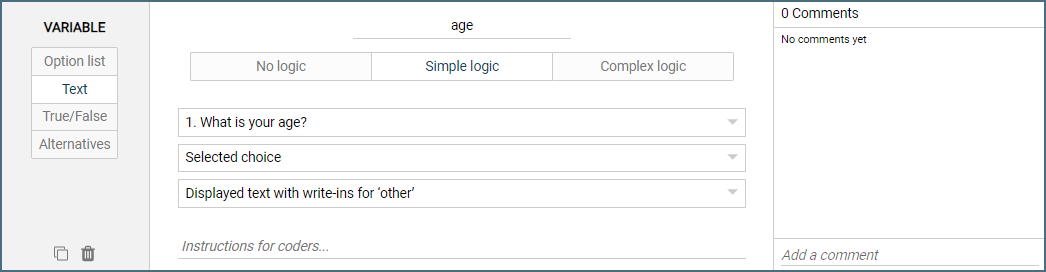
The following is a text variable using Simple logic:
 |
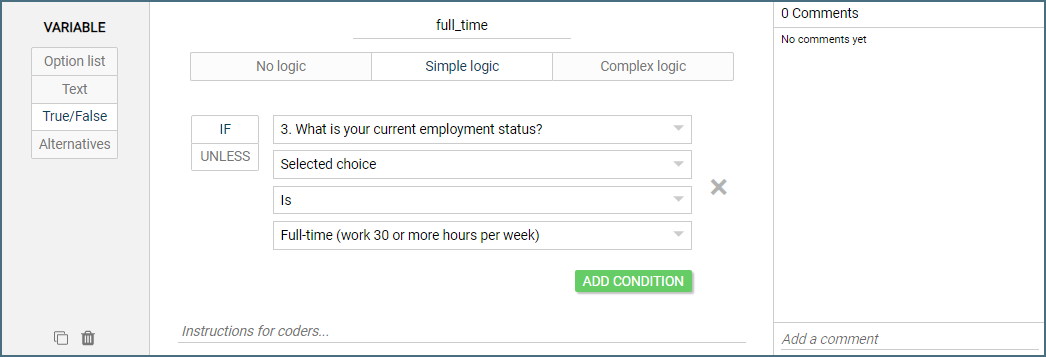
True/False - This is a Boolean value that stores a True or False result. This variable type is useful for defining qc flags and path logic.
 |
Here is a true/false variable using simple logic:
 |
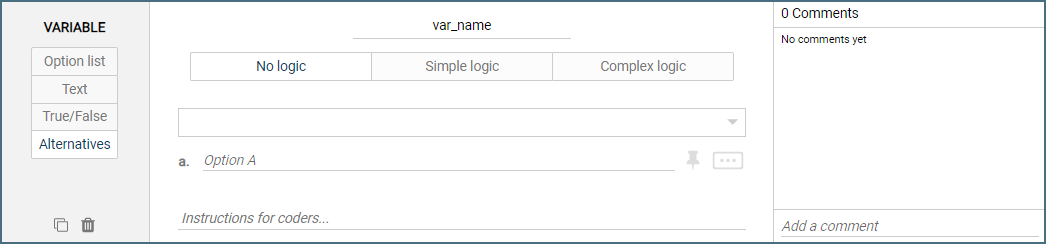
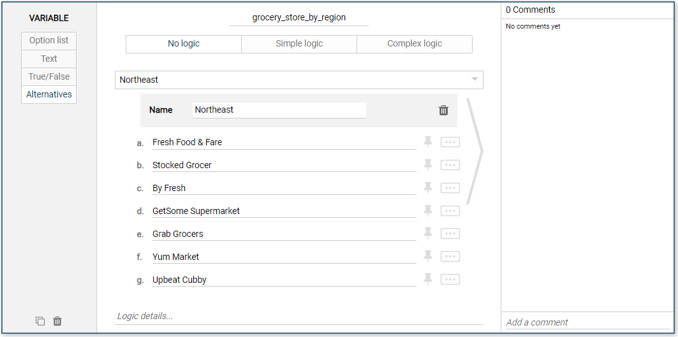
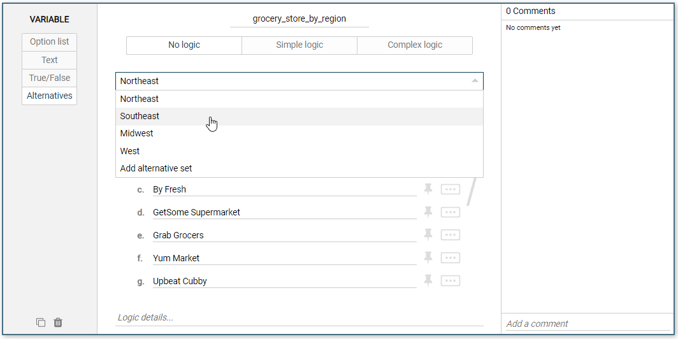
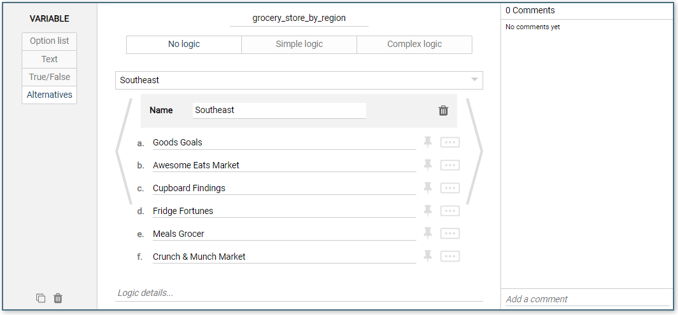
Alternatives - This variable type can be treated as a list set, combining multiple choice lists into one variable. This is useful for region-specific lists of vendors, manufacturers, and models, and other similar structured data. Note that you can access the different lists via the drop-down menu in the center of the variable.
 |
Here is an example of a substitution set:
 |
 |
 |