![IncQuery logo 2022 (horizontal)-1.png]](https://www.incquery.com/hs-fs/hubfs/IncQuery%20logo%202022%20(horizontal)-1.png?height=39&name=IncQuery%20logo%202022%20(horizontal)-1.png)
This article covers using the Translation tab, before using the Translations tab we recommend you review the process and options for Translations in IncQuery covered in this article: Translation Process
 |
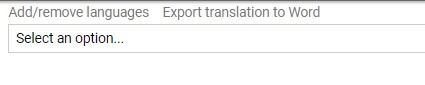
The first thing you want to do is add languages. Find the Add/remove languages button
 |
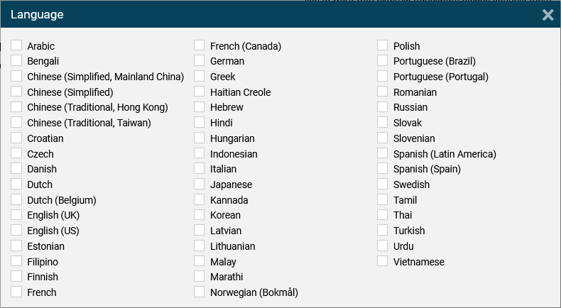
Pick the languages the survey will be translated
 |
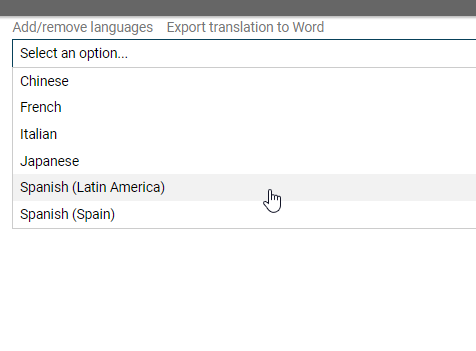
Next choose the language you want to input translations for
 |
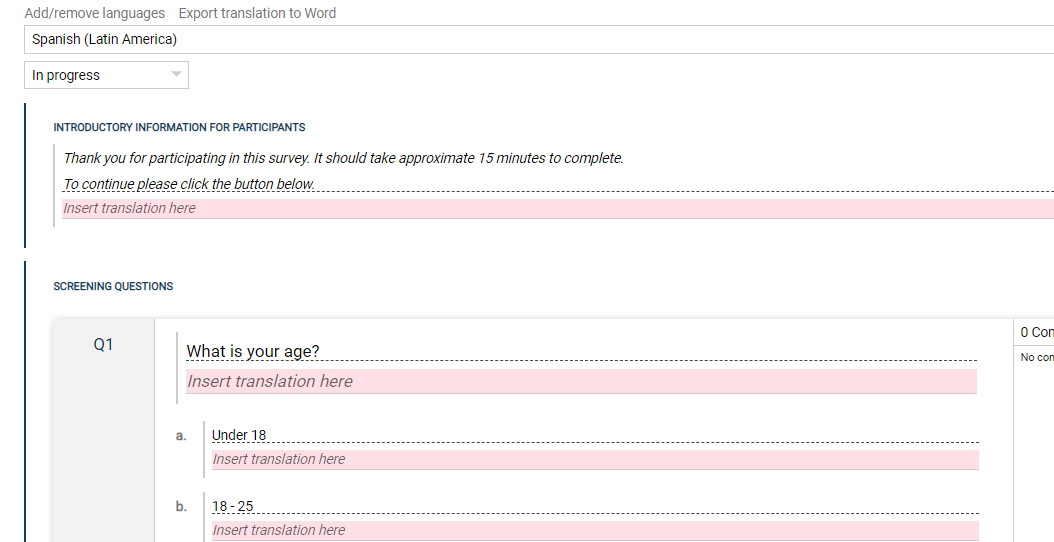
Here's an example of the interface. For each element in the survey with English text there is a corresponding box in pink where the translated text gets input.
 |
Dynamic text - One important thing to note with translations is dynamic text, it is often used in IncQuery surveys to pipe in text based on logic and the respondents choices. For example:
 |
The way this is translated is by copying and pasting the highlighted dynamic text "vendor" in the example above and pasting it into the translation box in the correct location based on the translated language's syntax. Like this:
 |
Another very important consideration in translated survey is localization/regionalization. We cover that topic in this article