![IncQuery logo 2022 (horizontal)-1.png]](https://www.incquery.com/hs-fs/hubfs/IncQuery%20logo%202022%20(horizontal)-1.png?height=39&name=IncQuery%20logo%202022%20(horizontal)-1.png)
Text input is one of the simplest question types available. It will allow for input of all alphanumeric characters as well as symbols and some special characters.
The default setting is:
Multi-line
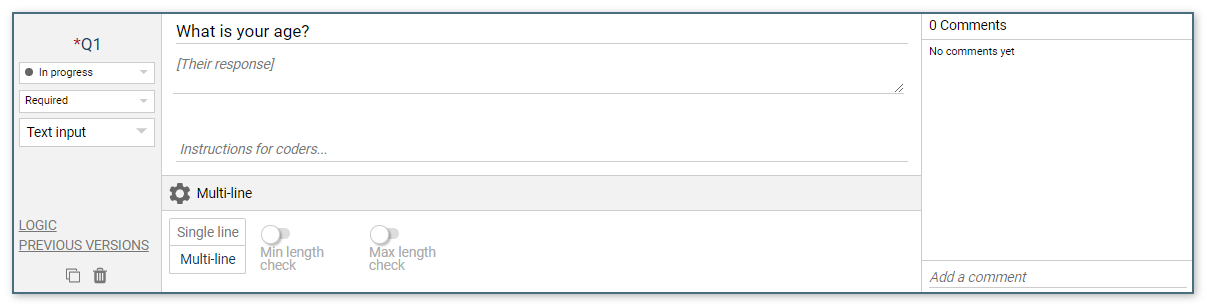 |
Changing this to Single line is appropriate when you want the respondents to only provide a short answer, for example, Zip code or Email address.
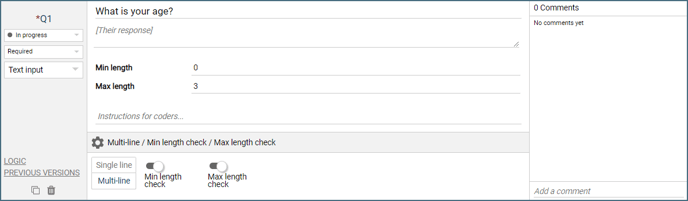
The toggle switches for Min length check and Max length check opens up each of those settings in the question box:
 |
Logic Settings for Text Input
The available logic setting for a Text Input question is:
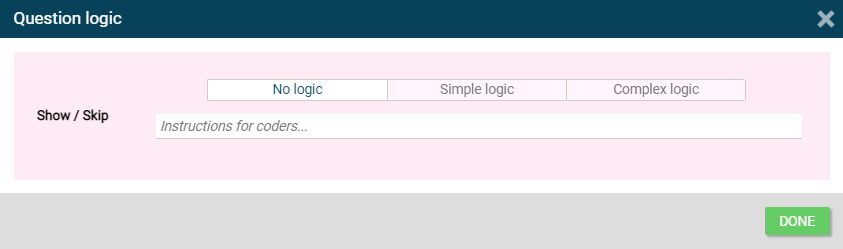 |
Show/Skip - Controls which respondents see or skip this question.