![IncQuery logo 2022 (horizontal)-1.png]](https://www.incquery.com/hs-fs/hubfs/IncQuery%20logo%202022%20(horizontal)-1.png?height=39&name=IncQuery%20logo%202022%20(horizontal)-1.png)
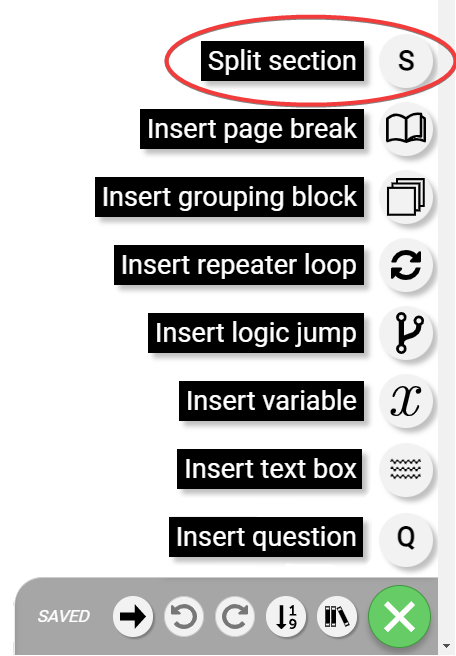 |
The split section element will create a new section in the survey.
 |
#1 - Section name - Text field where a name describing the section can be added
#2 - Move section arrows - These are used to reposition the section in the survey. Note the Screening section is always first so a section cannot be moved above it.
#3 - Show/Hide content button - This is used to collapse or expand the section comments
#4 - Question count - this will indicate the number of questions inside the section
#5 - Delete icon - This will delete the section split. Note this will not delete all the questions/elements in the section it will delete the split section and merge the contents with the section above
#6 - Logic button - This is where section logic can be set. This logic will apply to all elements inside the section
#7 - Comment thread - Coder instructions, questions, or notes about the block can be left here