![IncQuery logo 2022 (horizontal)-1.png]](https://www.incquery.com/hs-fs/hubfs/IncQuery%20logo%202022%20(horizontal)-1.png?height=39&name=IncQuery%20logo%202022%20(horizontal)-1.png)
Occasionally you will want to include an "Other" choice or ask for additional details for certain selections. An easy way to do this is by adding a Respondent input box to a choice.
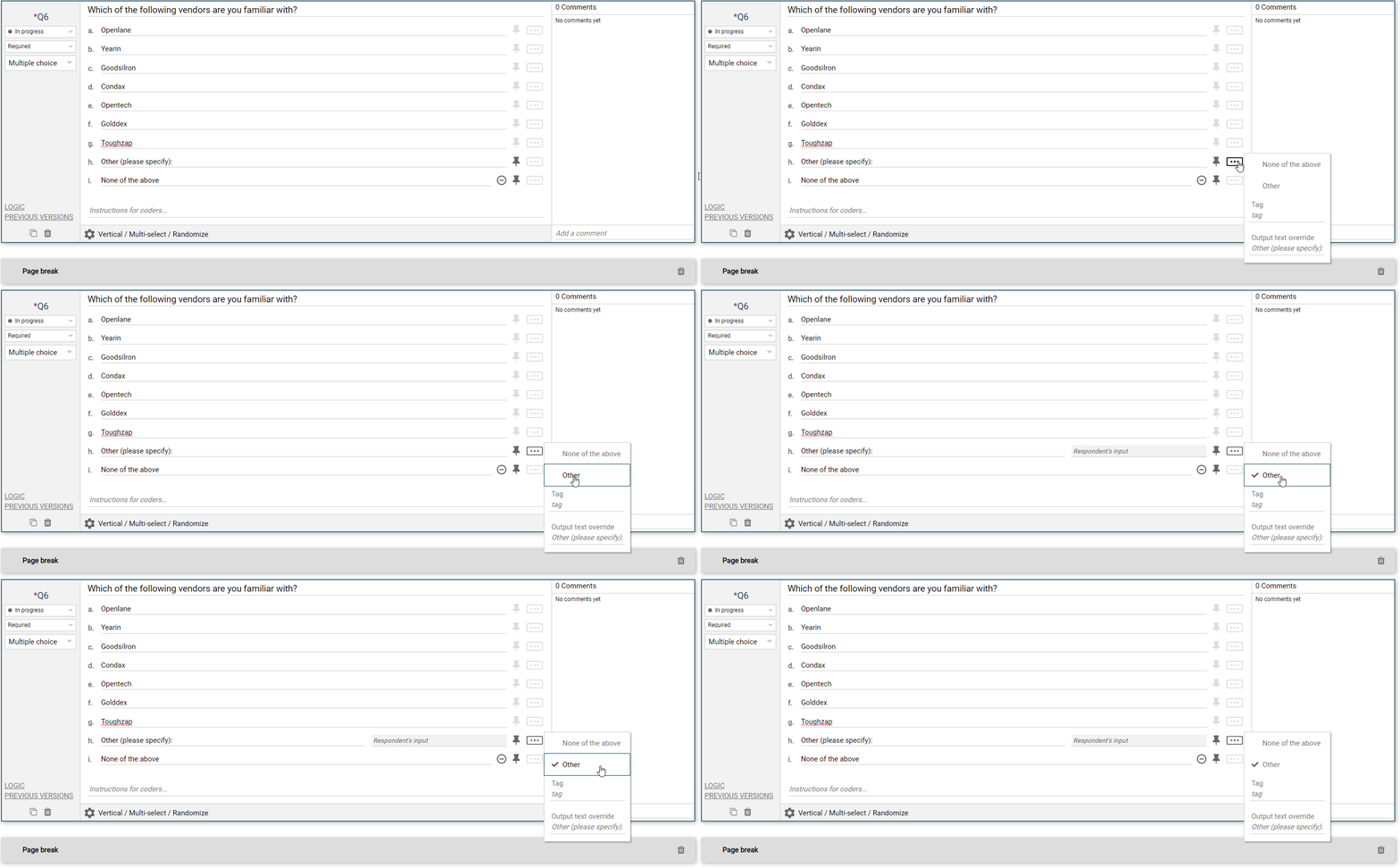
Adding an input box in IncQuery is simple, using the the 3-dot menu simply click "Other". See the animation below:
 |
The "Other" option is available on the following question types: Multiple Choice, Rank, Allocations, Combinations, Matrix (Note for an input box on Matrix rows or column ask the IncQuery team to add this functionality)