![IncQuery logo 2022 (horizontal)-1.png]](https://www.incquery.com/hs-fs/hubfs/IncQuery%20logo%202022%20(horizontal)-1.png?height=39&name=IncQuery%20logo%202022%20(horizontal)-1.png)
The Number Input question is similar to Text Input but it will limit the character entry to only numbers and has several more settings to help you.
The default setting is:
Typed/Constrain minimum/Constrain maximum
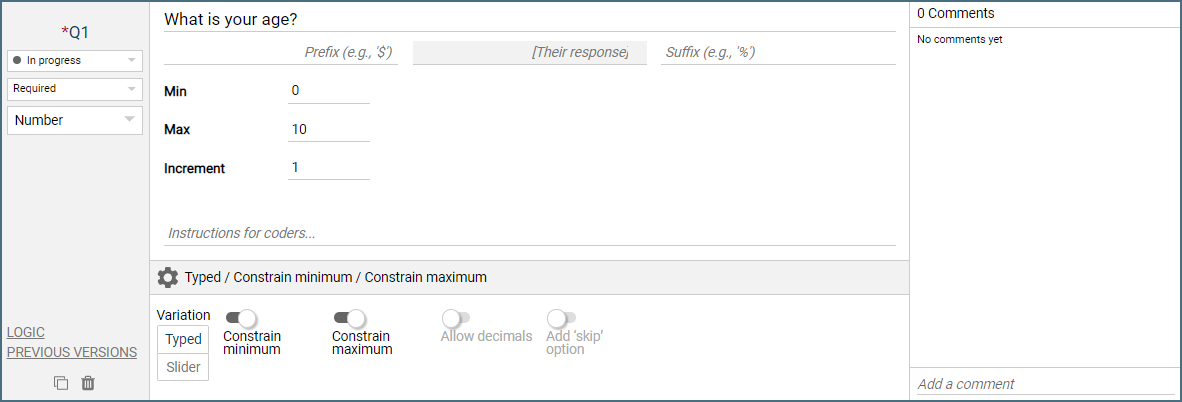 |
- Prefix - Here you can set a prefix to the number input such as a currency symbol
- Suffix - Here you can set a suffix to appear behind the number input, for example, a % sign
- Increment - This will change the possible steps between numbers allowed to be entered so if you want whole numbers rounded to the nearest 5 you would set the increment to 5.
Slider
A variation to number input is the slider feature. This will present a slider for the respondent to adjust up or down, like this:
 |
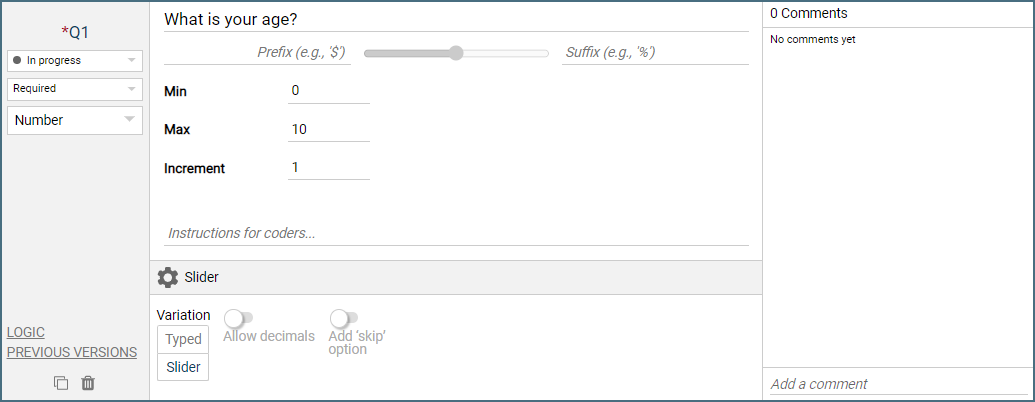 |
Warning: The slider setup can skew the data towards the midpoint as this is the default value for the slider entry
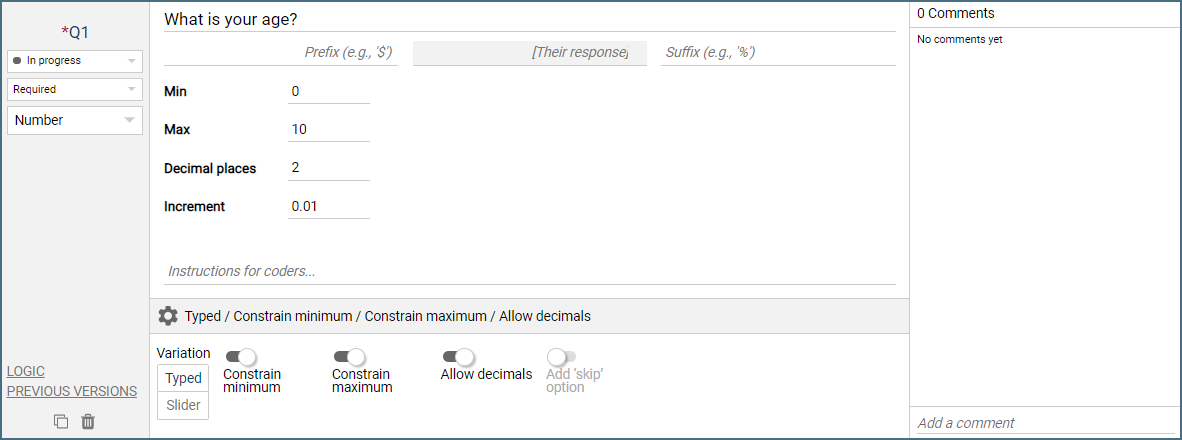
Allow decimals
This toggle works in conjunction with the increment to enable decimal entries. If you want to allow numbers with precision to the hundredths place. You would change Decimal places to 2 and Increment to 0.01 like this:
 |
Add 'skip' option
The skip option will provide a checkbox directly below the number input to allow the respondent to skip past the question.
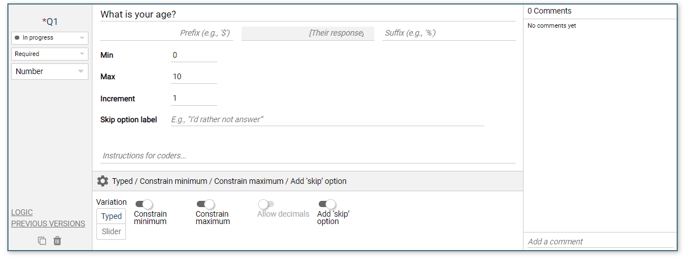 |
Note: The skip option appears as a blank in the dataset, as if the respondent skipped the question
Logic Settings for Number Input
The available logic settings for a Number Input question are:
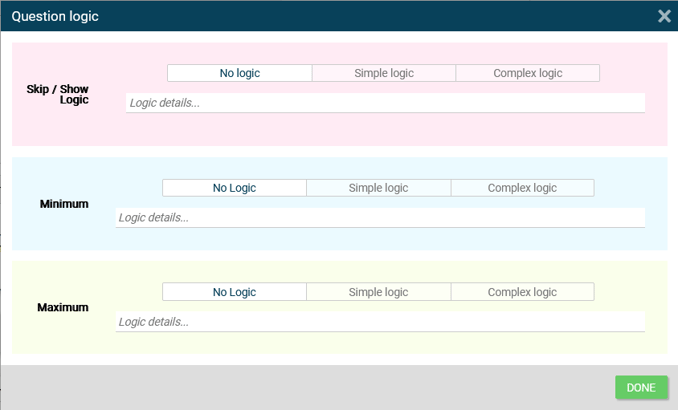 |
Show/Skip - Controls which respondents see or skip this question.
Minimum - Dynamically set the minimum the respondent must enter for the Number input based on Simple or Complex Logic
Maximum -Dynamically set the maximum the respondent must enter for the Number input based on Simple or Complex Logic