Quotas are set up on the Overview tab. To delete a quota start by clicking on the configure button for the quota you want to delete.
 |
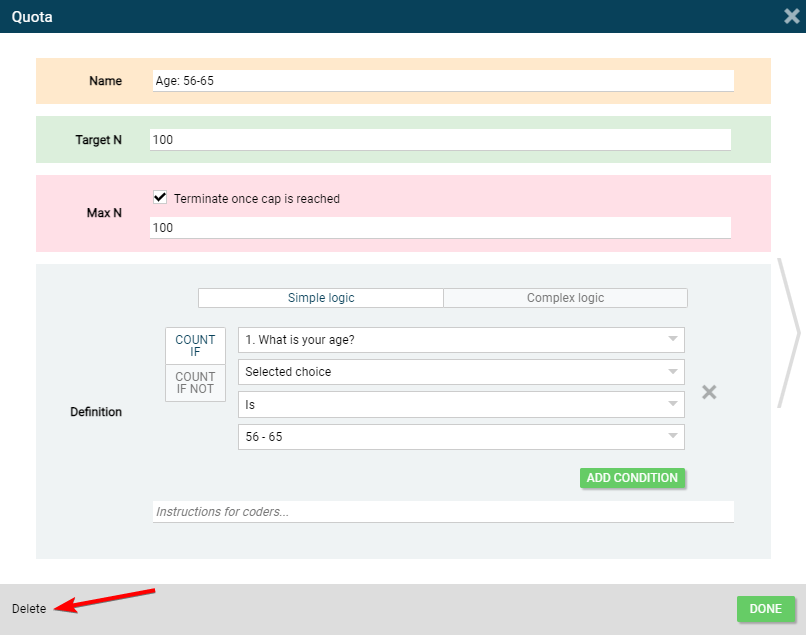
The Quota window will pop up. The Delete button is on the bottom left, see the image below
 |
![IncQuery logo 2022 (horizontal)-1.png]](https://www.incquery.com/hs-fs/hubfs/IncQuery%20logo%202022%20(horizontal)-1.png?height=39&name=IncQuery%20logo%202022%20(horizontal)-1.png)
Quotas are set up on the Overview tab. To delete a quota start by clicking on the configure button for the quota you want to delete.
|
The Quota window will pop up. The Delete button is on the bottom left, see the image below
|