![IncQuery logo 2022 (horizontal)-1.png]](https://www.incquery.com/hs-fs/hubfs/IncQuery%20logo%202022%20(horizontal)-1.png?height=39&name=IncQuery%20logo%202022%20(horizontal)-1.png)
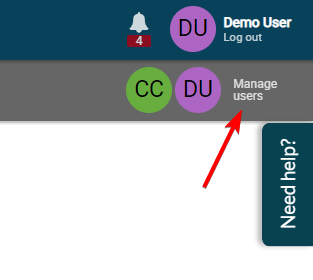
In the top right corner, inside a survey, you will find the Manage users button
 |
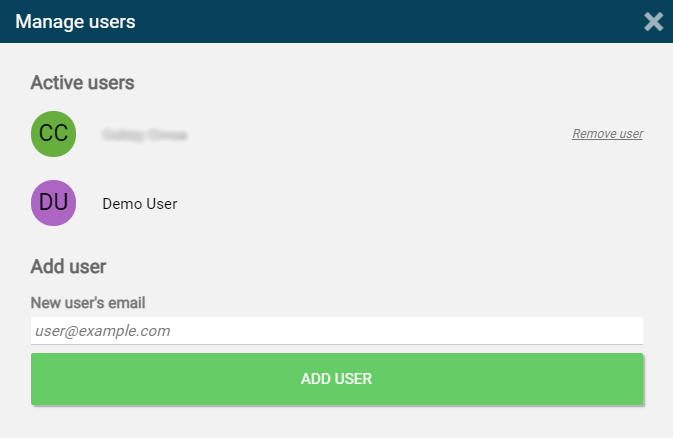
In the Manage users window pop up you can add people to the survey by email address.
 |
Note: Each user added to the survey will have full editing capabilities
Users added to the survey do not receive an email notification. The survey will show up directly in their dashboard the next time they log into IncQuery.