![IncQuery logo 2022 (horizontal)-1.png]](https://www.incquery.com/hs-fs/hubfs/IncQuery%20logo%202022%20(horizontal)-1.png?height=39&name=IncQuery%20logo%202022%20(horizontal)-1.png)
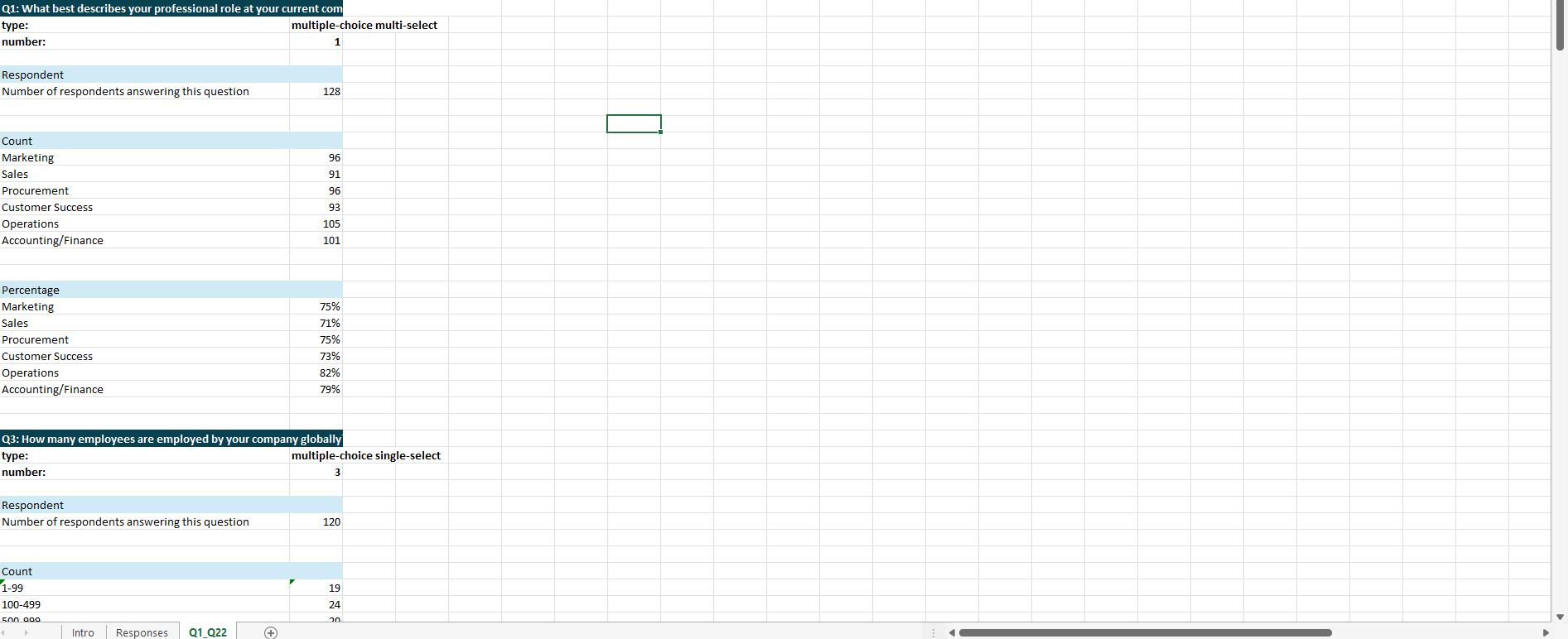
Your analysis tool file will contain two tabs: one containing raw data and one containing auto-generated table calculations for each applicable question from your survey.
The raw data tab
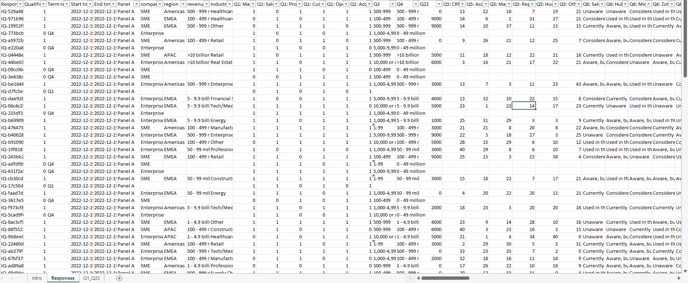
This tab is labeled as "Responses" in your analysis tool file.
- This tab contains the raw data directly downloadable from the IncQuery platform. Data is displayed in a "wide format." In this format, one respondent's full set of responses to your survey is displayed as a single row with each question or predefined parameter (e.g. bucket, QC flag, etc.) occupying a single column.
- You can use the native Excel filters in this tab to filter your data with a few clicks. Filtered results will appear immediately in the cut data tab.
- New or updated survey data can be copied and pasted directly into this tab with results immediately reflected in the cut data tab (see this article for more information on how to do so).
The cut data tab