![IncQuery logo 2022 (horizontal)-1.png]](https://www.incquery.com/hs-fs/hubfs/IncQuery%20logo%202022%20(horizontal)-1.png?height=39&name=IncQuery%20logo%202022%20(horizontal)-1.png)
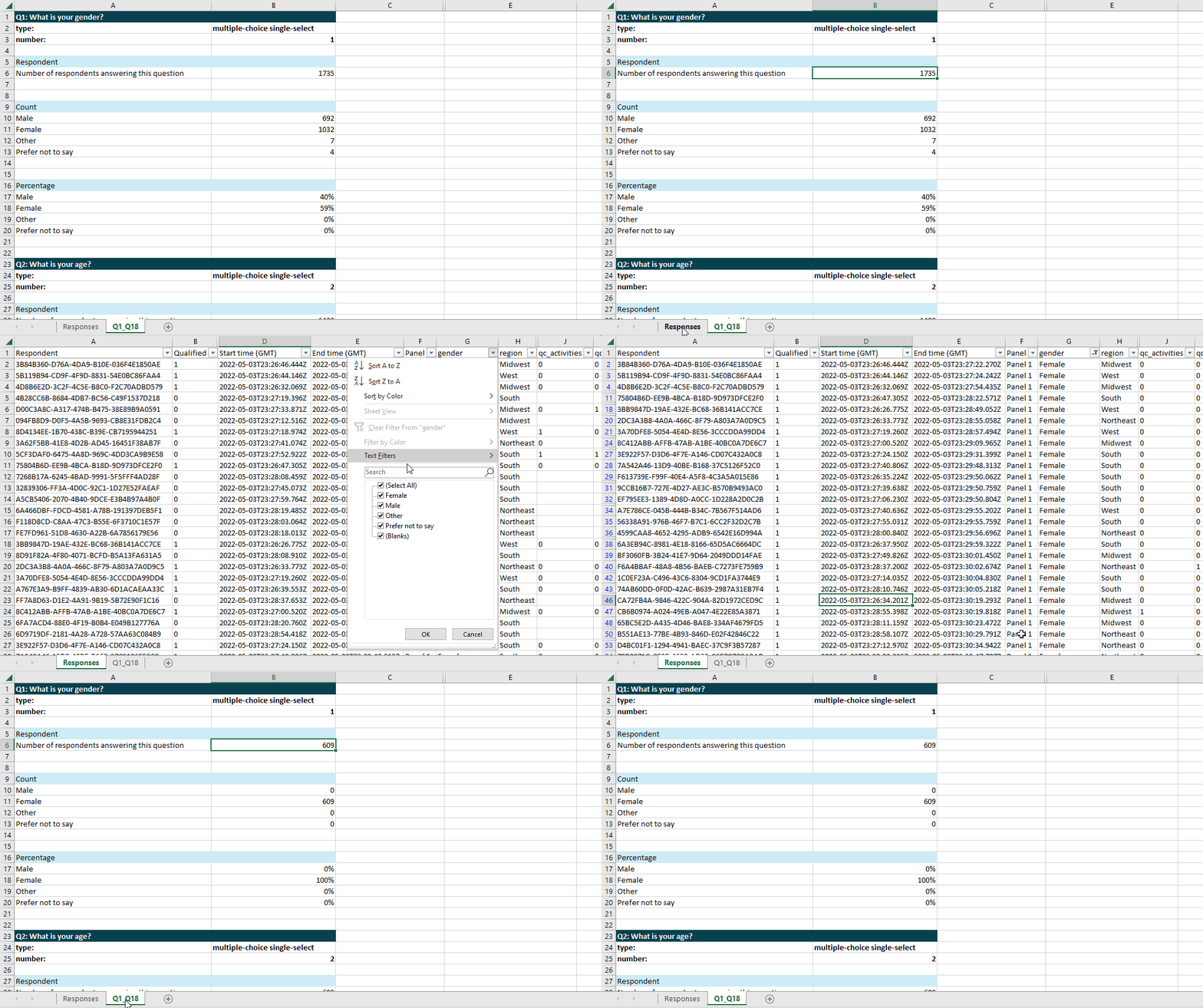
Filtering your raw data in IncQuery’s analysis tool is as easy as applying the native Excel filters in the "Responses" tab. Simply click the dropdown from each column header to apply any filters on that respective column.
Once filters are applied on the "Responses" tab, updates will be reflected immediately in the table calculations in the cut data tab.
The GIF below shows the filtering process in action.