How to add columns and rows to Matrix questions
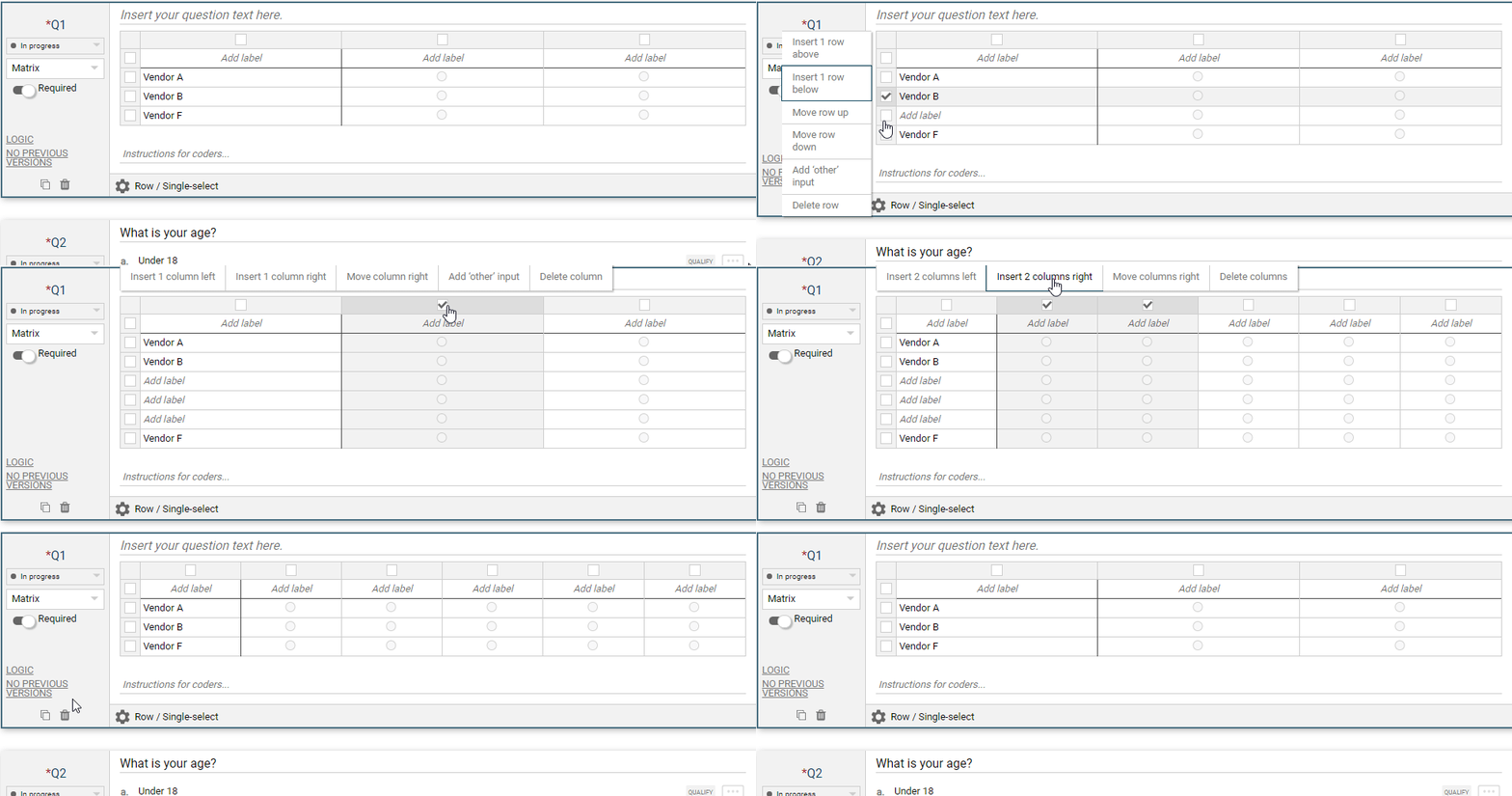
This animation summarizes the actions for adding columns and rows as well as deleting them:
Below are still images breaking down the steps/actions for inserting columns and rows
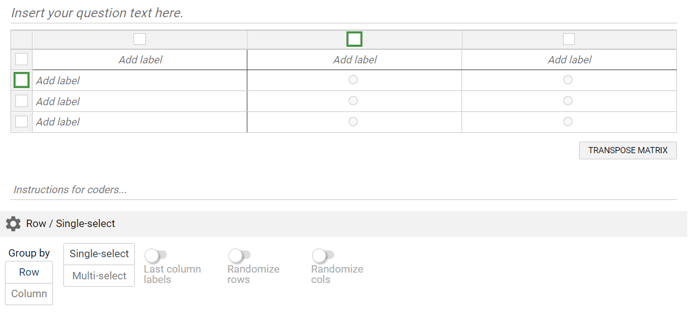
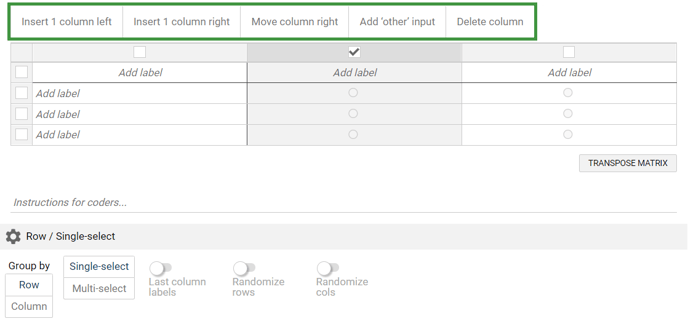
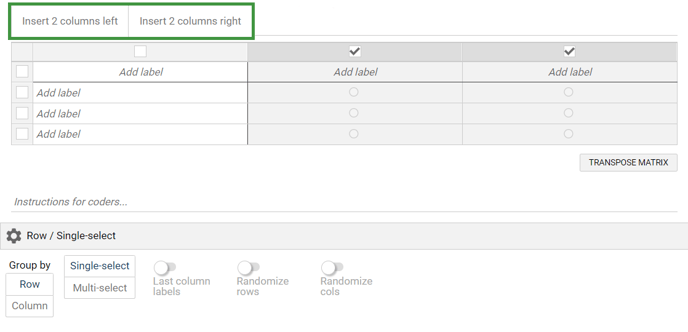
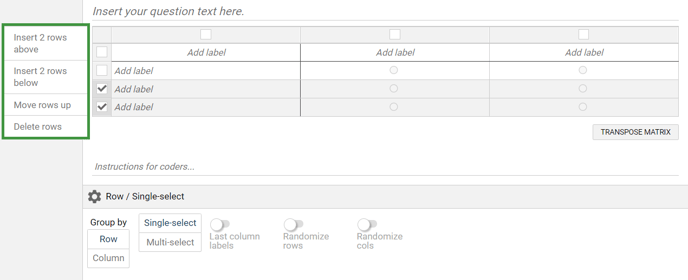
Click one or more of the square checkboxes above a column or to the left of a row
A pop-up menu will appear, allowing you to Insert, Move, Delete, or Add an input box.
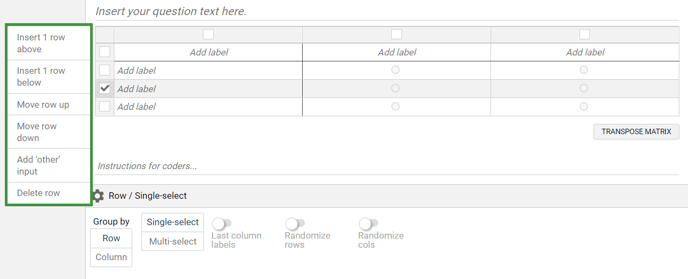
Selecting a row provides the same functionality
Selecting multiple columns or rows allows for inserting multiple new columns or rows at once
-1.png?height=120&name=IncQuery%20logo%202022%20(horizontal)-1.png)