![IncQuery logo 2022 (horizontal)-1.png]](https://www.incquery.com/hs-fs/hubfs/IncQuery%20logo%202022%20(horizontal)-1.png?height=39&name=IncQuery%20logo%202022%20(horizontal)-1.png)
To illustrate how to alphabetize we will use a variable but this technique applies to all lists of choices expect for rows and columns in Matrices.
Option #1 Alphabetize Manually
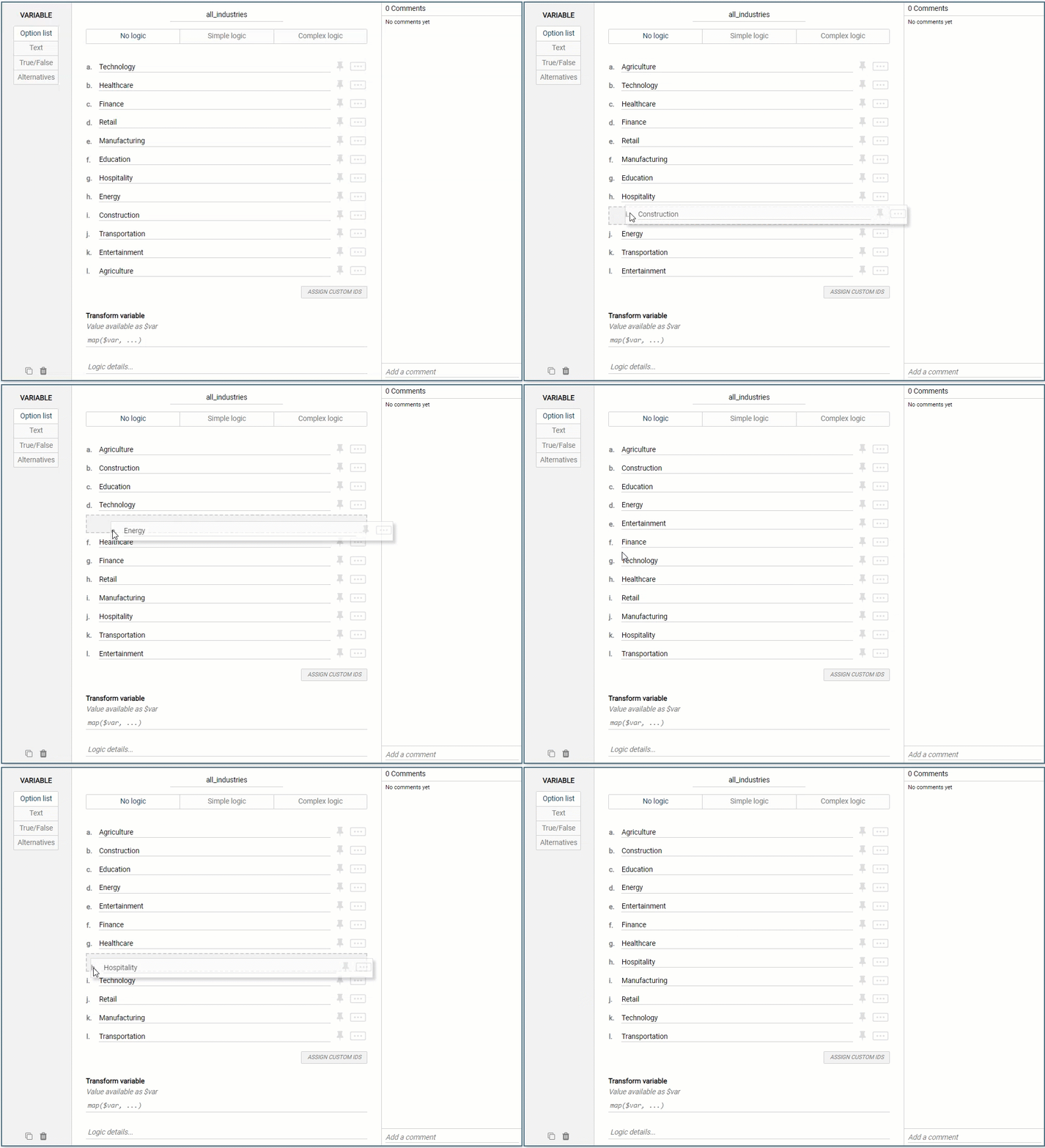 |
Shown in the gif above the choices in a variable can be moved by clicking and dragging. Move the cursor to the letter on the left of the choice and the cursor will change to an arrow cross. Click and drag the choice into the correct alphabetic position. Repeat for all the choices until complete.
Note: Remember to leave write-in choices (Other) and exclusive choices (None of the above) on the bottom of lists
Option #2 Logic coding
 |
Option two is to ask the Survey Directors to assist. They can use code on the backend to alphabetize lists of choices. Note the list will still appear to be out of order but the code will do the sorting when taking the survey.